Project Overview
In the Bellevue School District in Washington State, students are learning computer science from kindergarten up. The STEM curriculum developers there focused on K-12 CS pathway for all students. They developed and implemented CS curriculum and prove professional development to teachers. CS4ALLKIDS is a website for Bellevue School District and other team such as Microsoft, Seattle Public Schools to share their products of this work with all K-12 systems in Washington beyond. The website is an open source materials and all teachers and professionals can reach the website and find the resources about professional development resources. Cheri Bortleson did a big presentation at WA STEM Summit and shared the website at the conference on Nov 29 2016.
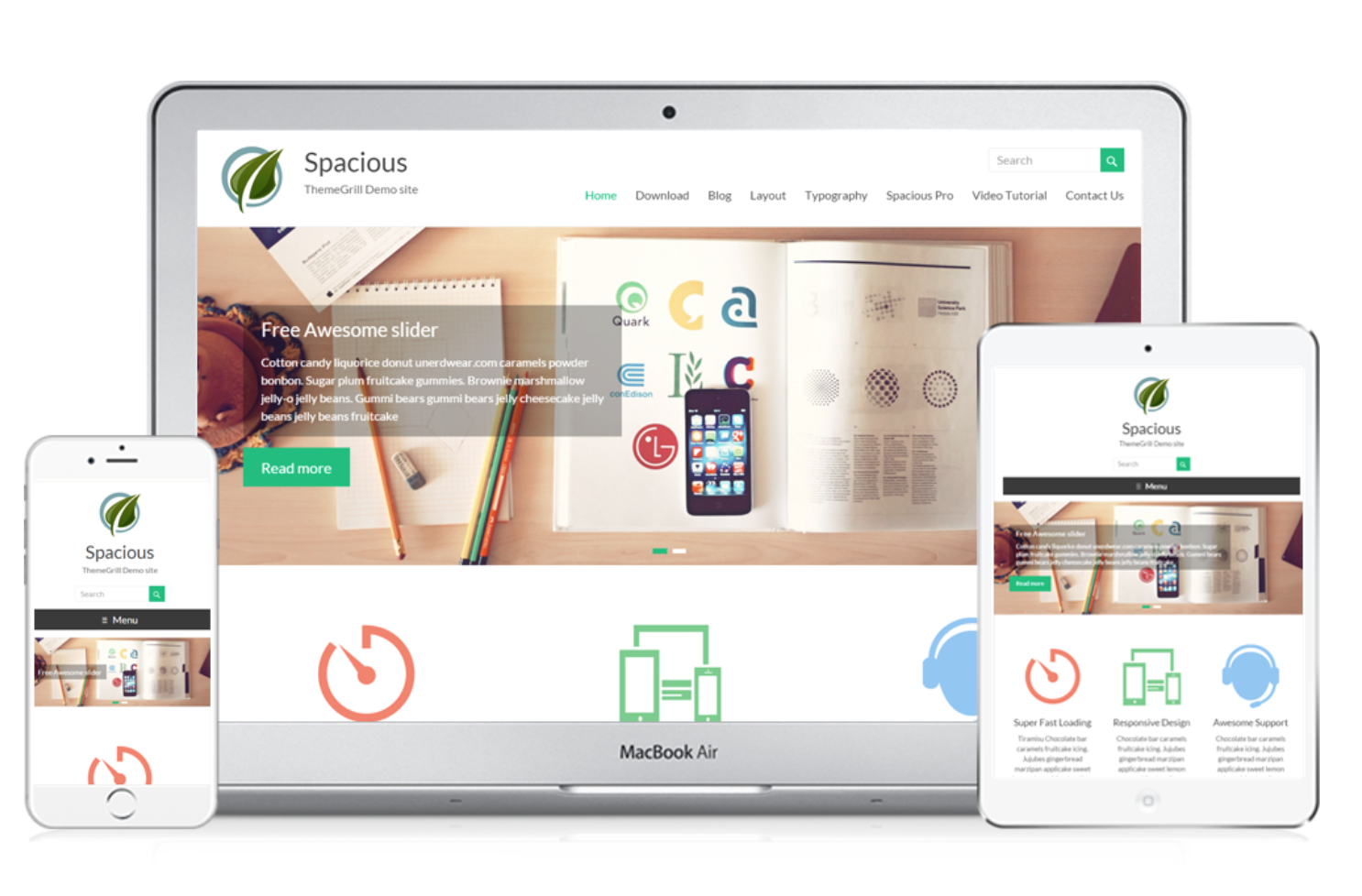
Please check the website: http://cs4allkids.org/
Research
I conducted user research and competitive overview of the project. I drew the insights from the research and outlined the image of our target uses.
Design
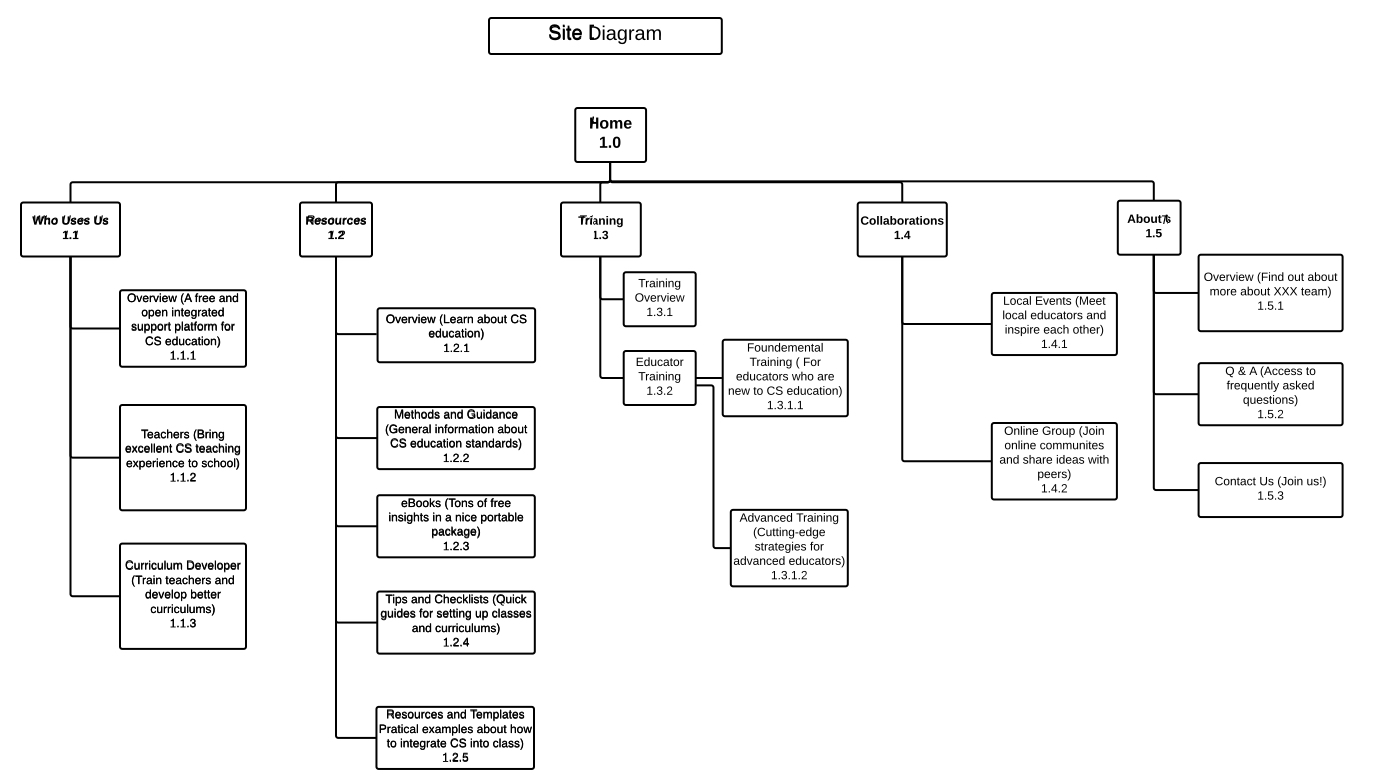
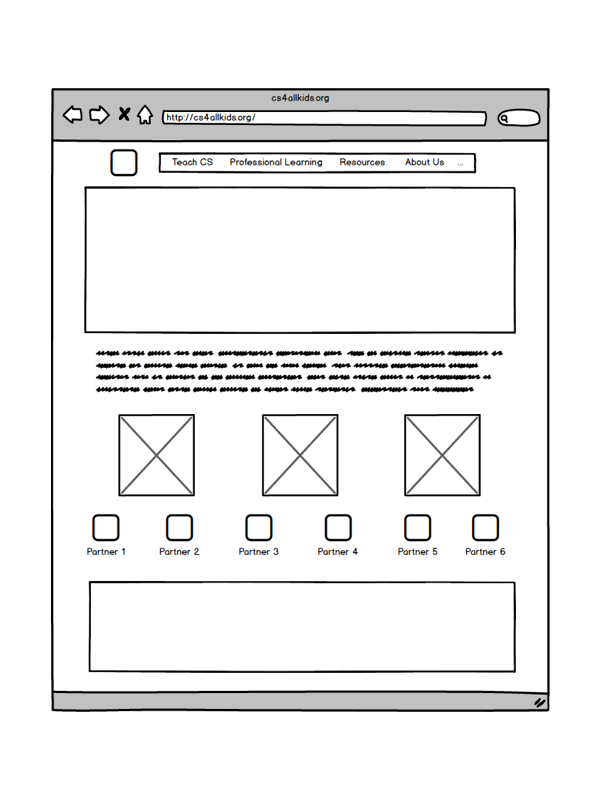
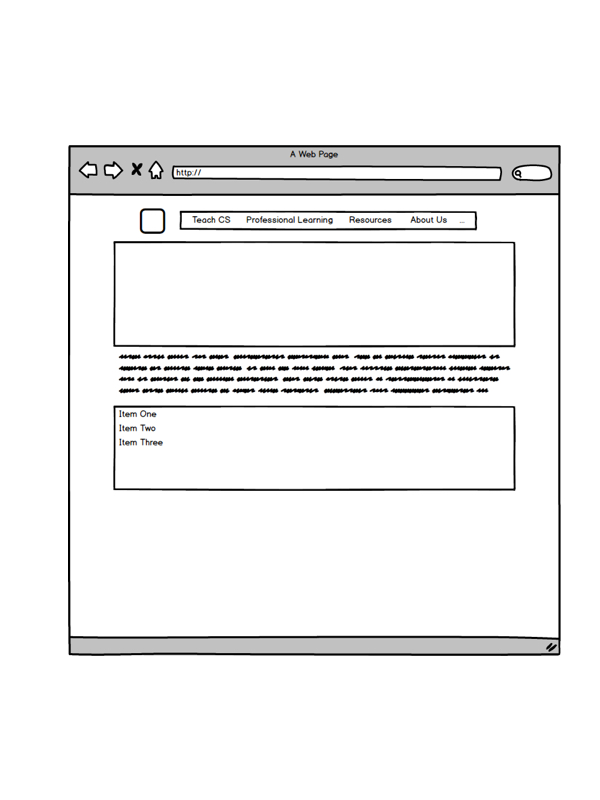
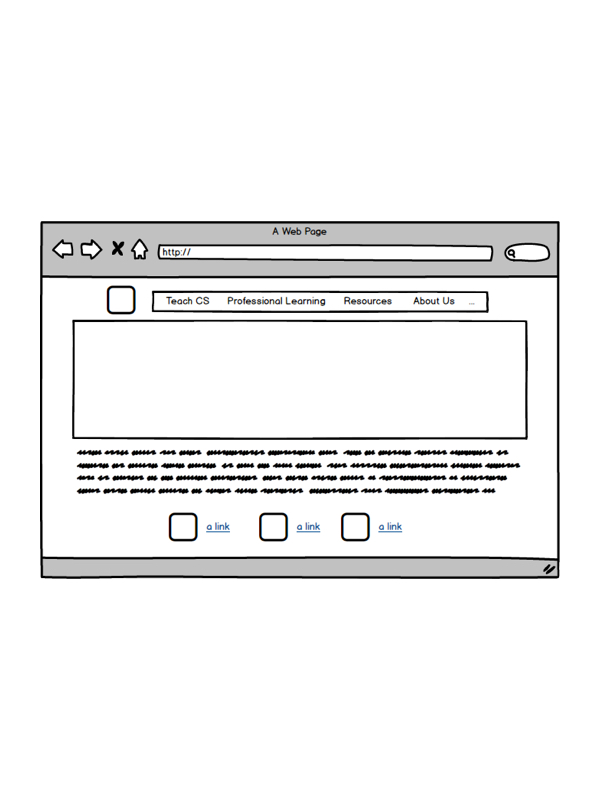
I designed for user groups and created IA of the website. Then I delivered the wireframes and the flow of the website.
Development
I created the website with WordPress, HTML5, & CSS3.
Usability Test
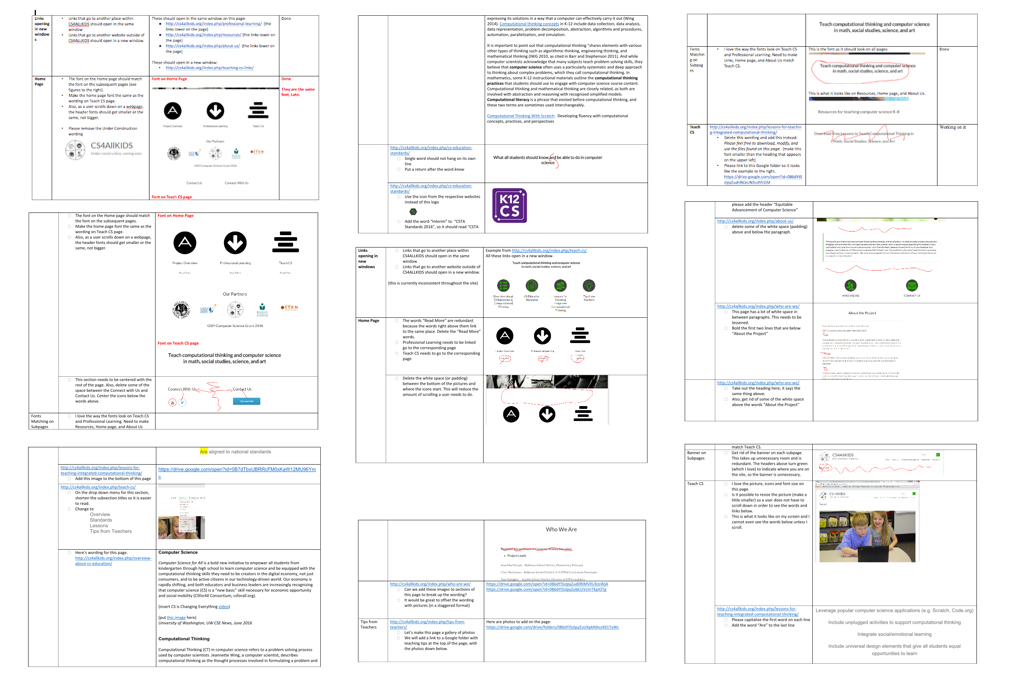
During the design process and development process, I always communicated with users and designed with them for better user experience.
Methods
Audience definition, user survey, user group, sitemap, wireframe
Tools
Google Form, Balsamiq Mockups, Wordpress, Sketch, front-end development language
Background
The Topic
Computer science education became more and more important for children from kindergarten to 12th grade. Bellevue School District and its partners intended to help more students learn CS and pursue more in this field of CS education for not only teachers but also non-teaching staff (e.g. counselors). The topic of this project is to build a Wordpress website that provides professional information and resources about CS education for teachers and non-teaching staff to develop computer science related coursework that can be integrated into all subject matters.
The Challenge
Goals
1.Provide professional information and resources about CS education for teachers, like curriculums, examples of classes, related resources, etc.
2.Provide documents and information for non-teaching staff (e.g. counselors, curriculum developers, etc.), like training sessions.
3.The website is easily navigated and visually appealing.
4.Add the code snippet of Google Analytics for future analysis and branding.
User Research
I conducted a user research survey for more accurate demographic and psycho-graphic descriptions of users.
The user research survey included quantitative questions and open-end questions.
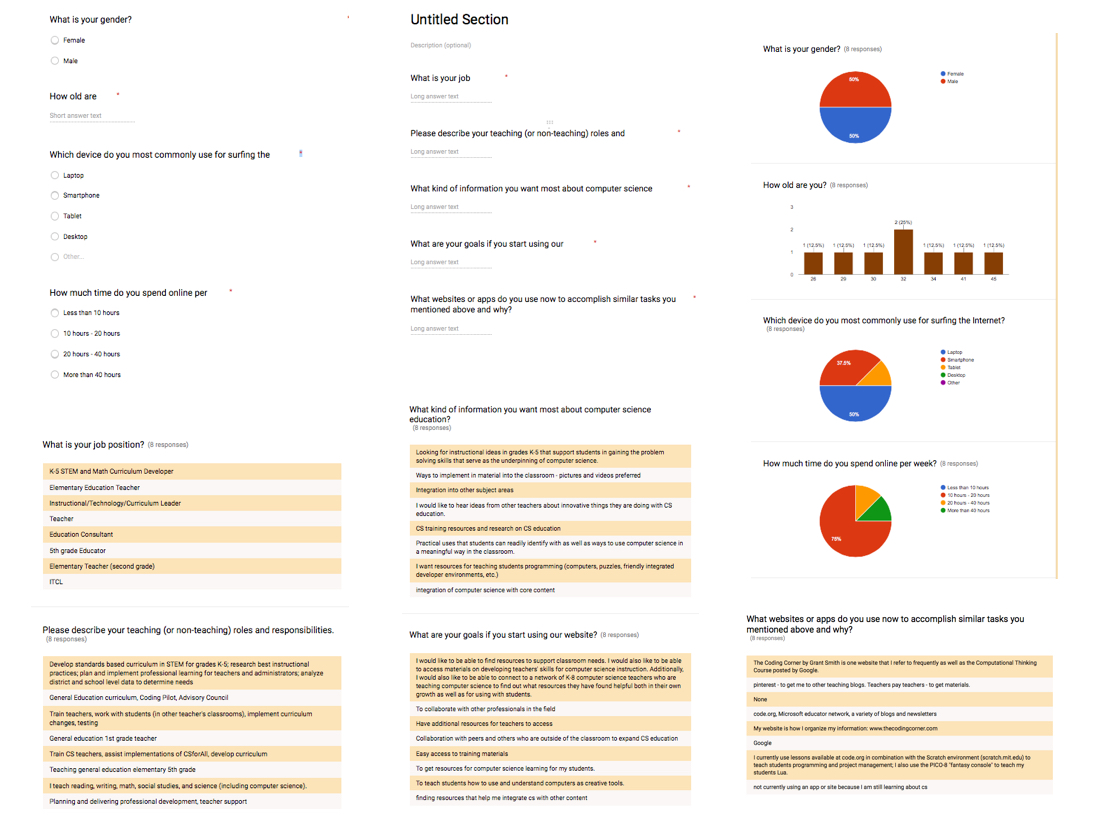
I drew the following insights from the survey results.
Audience Definition
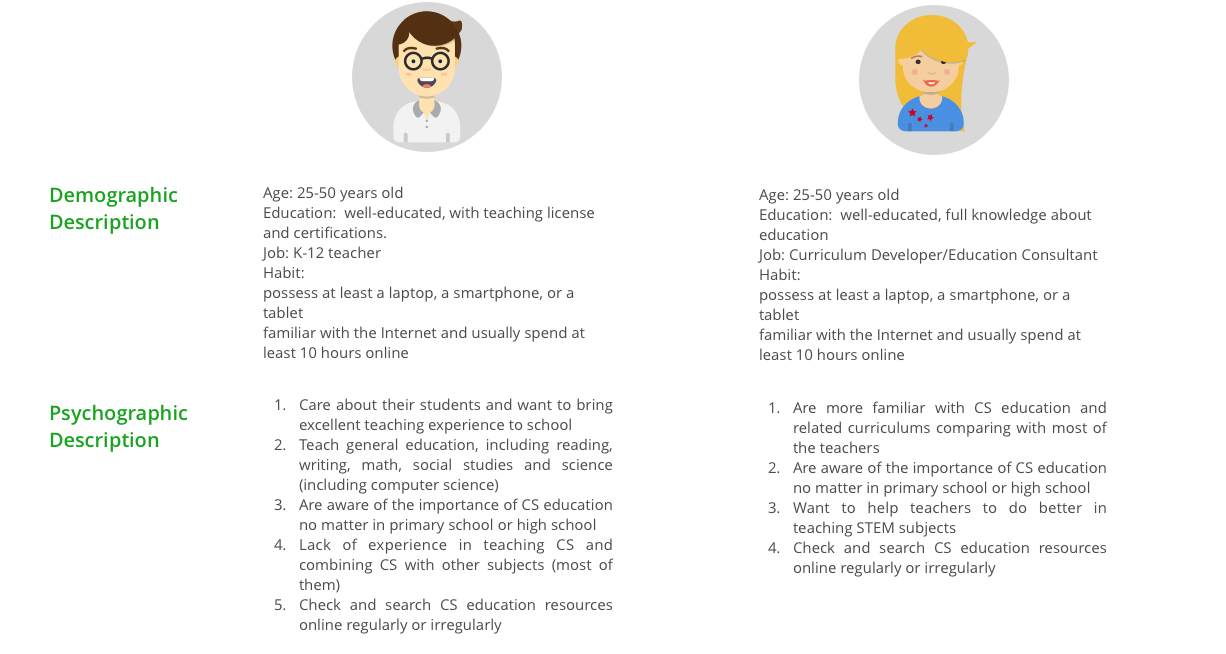
User Groups
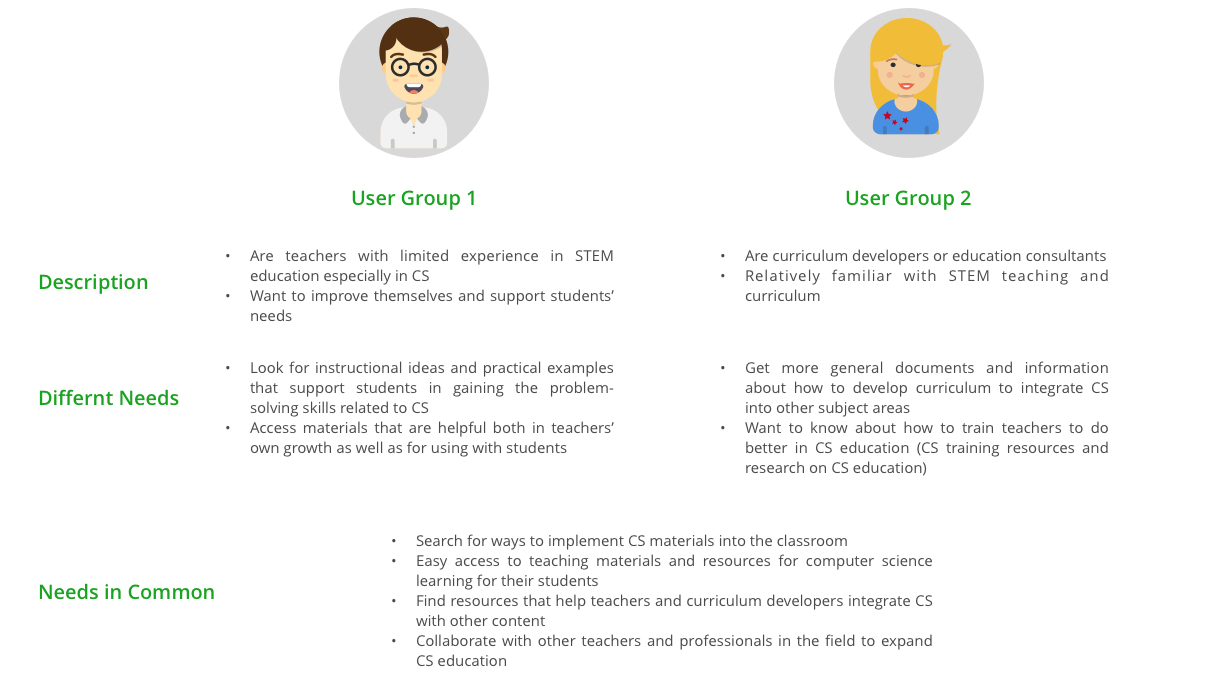
Competitive Analysis
Insights:
a. https://www.youtube.com/watch?v=xJqSu1IbcHg
b. https://www.youtube.com/watch?v=6cKaok1F1P0
c. https://www.cs.cmu.edu/~15110-s13/Wing06-ct.pdf
d. https://blogs.msdn.microsoft.com/msr_er/2016/03/23/computational-thinking-10-years-later/
e. http://www.thecodingcorner.com/2015/10/why-does-learning-to-code-prepare-every.html
f. https://code.org/mc
g. http://www.edutopia.org/blog/15-ways-teaching-students-coding-vicki-davis
h. https://www.youtube.com/watch?v=FpMNs7H24X0
i. https://code.org/promote
Build Up
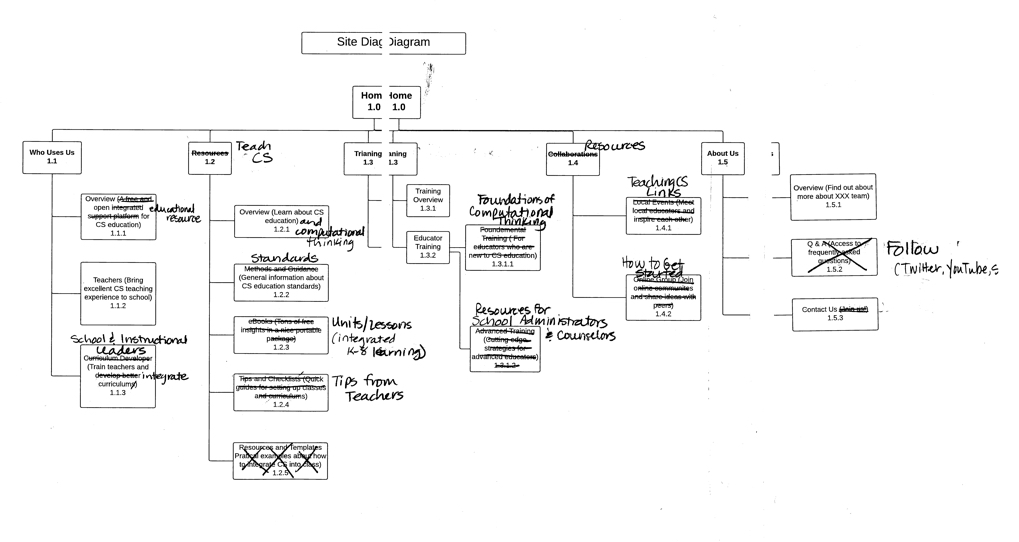
In order to make the site map more logical and user-friendly, I applied a user testing with the map.
Based on users’ feedback, my users and I revised the sitemap together.
The structure was too complicated
It took users to much time to locate the information they want.
The priorities of the sitemap needed to be modified.
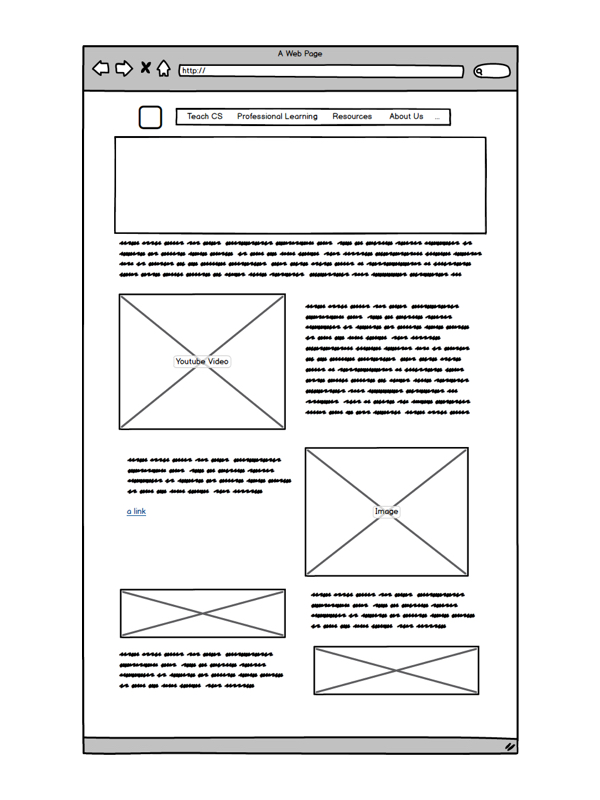
Design

User Testing
&
Iterations

The Reflections
✓ It is important for UX designers conduct background research especially when designing for an area Designers are not familiar with.
✓ Explain every step of your design process to your stakeholders in the language they understand.
✓ Co-designing with clients and users was a great way to find solutions that truly meet people's needs.
The Recognition